After downloading the zipped folder, follow the steps below:
- Open File Explorer and find the zipped folder.
- To unzip the entire folder, right-click to select Extract All, and then follow the instructions.
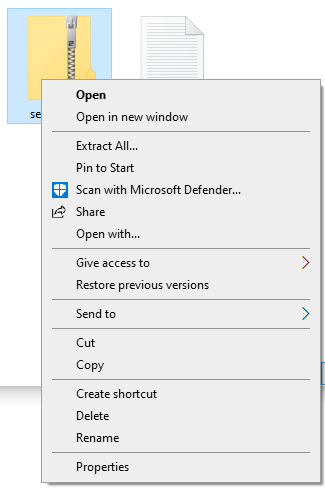
- To unzip a single file or folder, double-click the zipped folder to open it. Then, drag or copy the item from the zipped folder to a new location.