Need to send the same file to multiple people? No worries, we have you covered. Keep reading to find out how to send to multiple recipients via email address or mobile number.
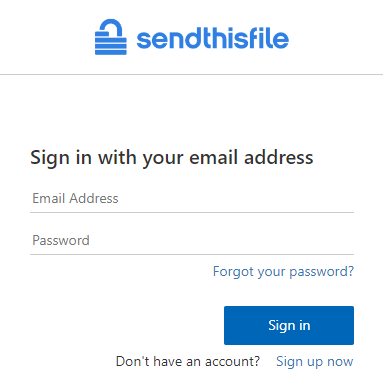
Open the SendThisFile website and log in to your account.
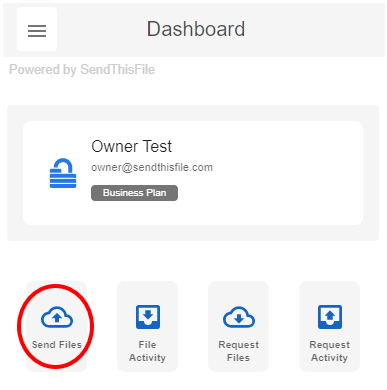
Select Send Files.
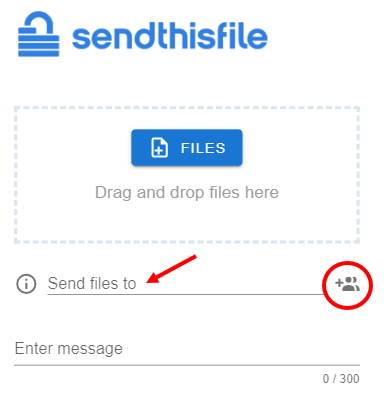
Enter in email address or mobile phone number of recipient. If you have contacts saved in the Contacts section, you can start typing and the contact will appear for you to select. Or you can select the Contacts icon to select that recipient.
To send to multiple recipients, simple enter the recipient (or select from the Contacts icon) then select space, return, or ‘Tab’. Note: Options may vary per device you are using.
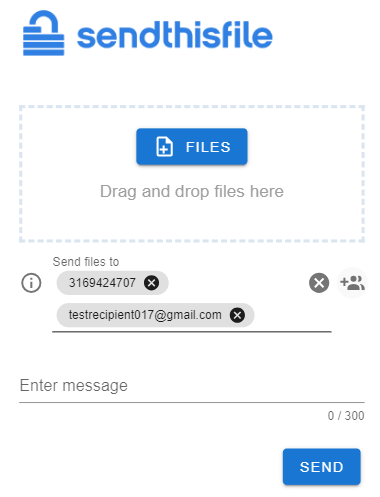
When sending to multiple recipients, think of it as a Blind Carbon Copy (Bcc) where each file transfer is only to 1 recipient. This means that each recipient will receive the file you attach separately. The multiple recipients will not see the other recipients.